AI Background Remover
Upload an image and get a transparent PNG with the background removed in one click.
JPEG, PNG or WEBP up to 5MB. The result is a transparent PNG.
Why use AI Background Remover
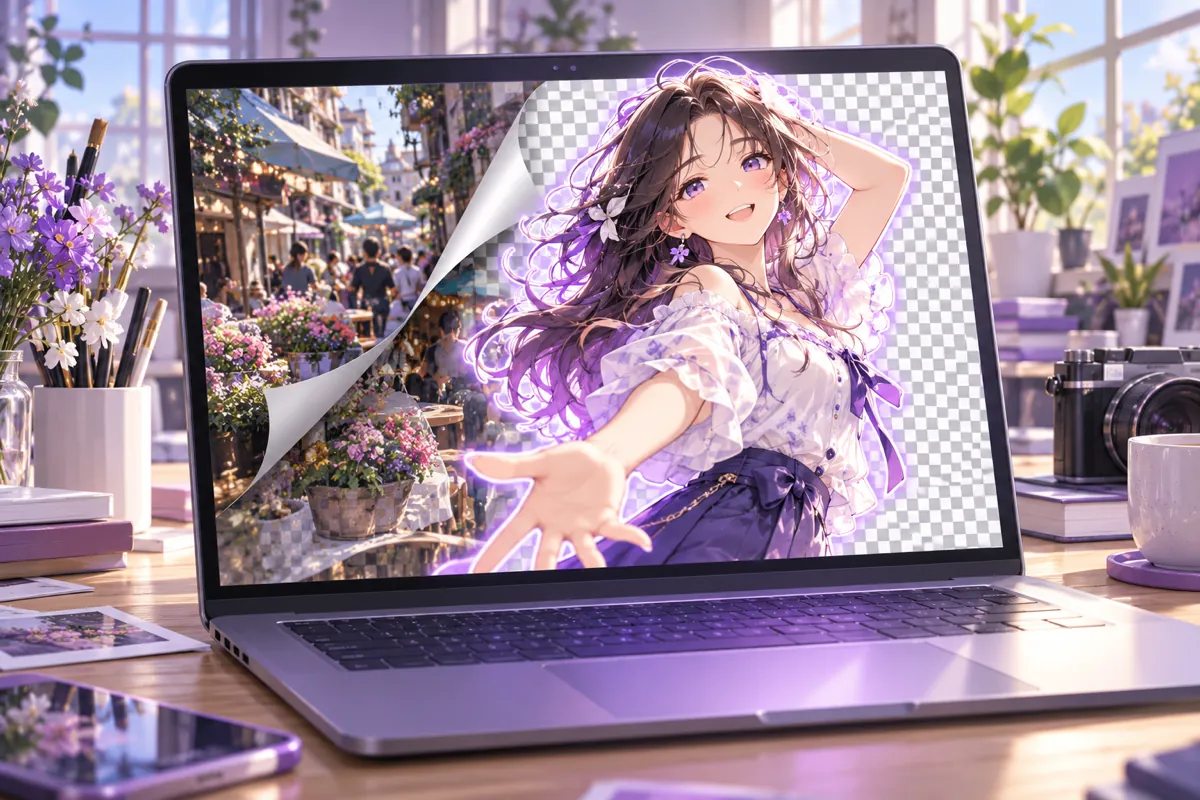
AI Background Remover for any image
The AI Background Remover cuts the subject out of a photo or illustration and leaves a transparent background. There is no prompt to write and no mask to paint: upload the image, click Remove Background and the result appears next to your original. It works on people, characters, pets, products and objects, so one tool covers avatars, listings, thumbnails and design assets.
Transparent PNG you can place anywhere
The result is a transparent PNG, which means you can drop the subject onto a new colour, a gradient, a scene or another photo without a white box around it. Place it on a slide, a poster, a social post or a character sheet, and the edges follow the subject instead of a rectangle. The preview sits on a checkerboard so you can see exactly which areas are transparent.
Simple, flat pricing
Every image costs 5 credits, with no resolution tiers and no extras to add up. The AI Background Remover is not locked behind a paid plan, so the free credits you receive at sign-up work with it. If a cutout fails, the credits for that image are returned to your balance automatically.
Built for anime art, OCs and everyday photos
Original characters and anime illustrations often need to leave their background behind, whether for a profile picture, a sticker, a banner or a collage. The AI Background Remover handles drawn art as well as photographs, and you can pair it with the image generators and the AI Image Editor on OC Maker to create a character first and cut it out afterwards.
Runs in your browser
There is nothing to install and no editing skills to learn. Open the AI Background Remover page, sign in, upload a JPEG, PNG or WEBP file up to 5MB and download the transparent result when it is ready. Because the work is done on our servers, it runs the same way on a laptop, a tablet or a phone browser.
What you can use a transparent background for
A cutout is the first step in many small jobs: a clean profile picture, a sticker or emote, a product shot for a listing, a thumbnail with the subject pulled forward, or a character placed on a new scene. Because the AI Background Remover returns a PNG with an alpha channel, the file works in slides, design tools and video editors that accept transparent images.
Part of the OC Maker studio
The AI Background Remover sits next to the image generators, the AI Image Editor and the video models in the same workbench. Generate a character with one model, cut it out here, and bring the result back as a reference image for the next generation. Credits are shared across tools, so there is nothing extra to set up.
Tips for cleaner cutouts
Results depend on the source. Give the subject some contrast against the background, avoid heavy motion blur, and keep the whole outline inside the frame when you can. A white shirt on a white wall is harder than a dark coat on a bright street. If a thin detail disappears, try again with a sharper or better-lit version of the same image.
How to use AI Background Remover
- 1
Upload your image
Add one JPEG, PNG or WEBP image up to 5MB. Drag a file onto the upload area or click to choose one.
- 2
Click Remove Background
The AI Background Remover processes the image for 5 credits. It usually finishes within a minute, and the page shows progress while you wait.
- 3
Download the transparent PNG
Compare the result with your original on the checkerboard preview, then open or save the transparent PNG. If the run fails, the credits are refunded automatically.