Character Creator
Create a character, then keep using it: new poses, outfits and expressions, all saved in one place.
- 1Create
- 2Save
- 3Keep building
Character
Species
Skin toneLight
Hair length
Hairstyle
Hair colorSilver
EyesPurple
Outfit
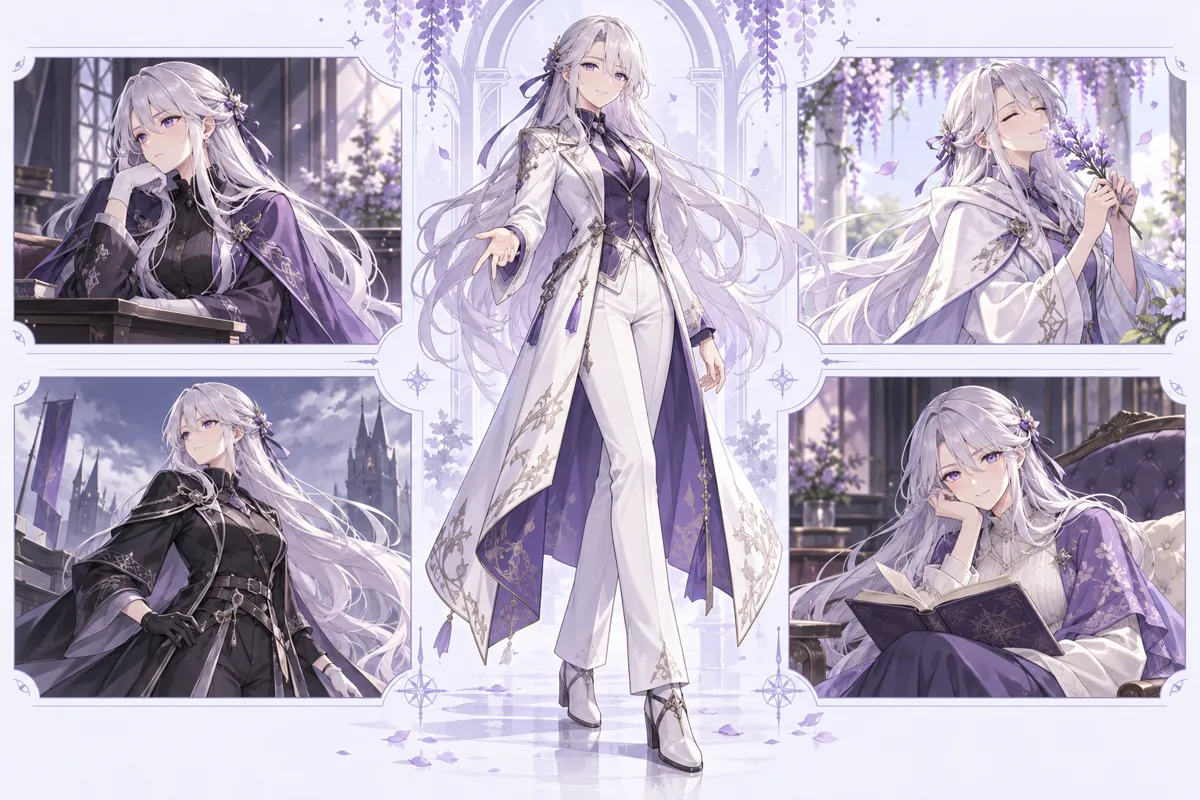
Full-body character, ready to save and reuse.
Sign up to get 10 free credits and to save your characters.
Why use Character Creator
Character Creator for Saved Original Characters
When you make a character you want to keep, you should not end up with a folder of disconnected pictures. This character creator saves each design to your own library as the character's reference, so you can return to the same character and add poses, outfits, expressions, a reference sheet and a written profile in one place.
Character Creator Options Mode
If you would rather choose than type, options mode gives you a visual way to make your own character. Pick species and non-human traits such as elf ears, horns or wings, body type, skin tone including fantasy colors, hair, eyes, face details like freckles or scars, outfits, expressions, poses, art style and accessories such as glasses or a hearing aid. Most groups show previews, and Random makes the creator pick a fresh look.
Character Creator Text Description Mode
In the creator's text mode, describe the look you want, choose a character type such as human, anthro, creature, robot or other, and pick a style. It draws a starting picture for 2 credits that you can save to your library.
Character Creator Poses, Outfits and Expressions
After you save a character, pose, expression and sheet changes start from its saved reference and ask the AI to keep the same face, hair and style, and an outfit change puts your chosen garment on that picture. Pick a pose or expression preset, or a preset outfit or your own garment photo. You can also remove the background for a transparent PNG, or upscale a picture. Each result is stored in that character's gallery.
Character Creator Sheet and Profile
The character sheet is drawn from your saved reference and aims for front, side and back views with a color palette on one wide canvas, a handy reference for drawing or role-play. Check the result, since the creator's AI can vary between views. The profile keeps name, personality, abilities, backstory and relationships next to the pictures; write it by hand or let the AI writer draft it, then edit every field. Export all downloads the profile text and every gallery image.
Character Creator Consistency and Reference Image
The AI redraws every picture, so small details such as accessories or patterns can still drift. If a creator result drifts, set your best result as the reference and try again from it, or choose a simpler pose.
How to use Character Creator
- 1
Start your character in the creator
Choose visual options, describe the character in a short prompt or import a picture. Try another start method if it is not close enough.
- 2
Save it to your library
Sign in, name the character and save the best result as its reference. That creates a character page you can reuse in the creator.
- 3
Keep building the same character
From the character page in the creator, change pose, outfit or expression, remove the background, upscale, make a character sheet and write a profile. Each result lands in the character's gallery.