Kling Motion Control AI Video Generator
Upload a character image and a motion video, and Kling Motion Control makes the character perform the same moves.
Kling Motion ControlCharacter image + motion video to video
Character image — JPG or PNG, up to 10MB, at least 300px
0/1
Motion video — MP4 or MOV, 3-30s, up to 80MB
0/1
46 credits per second of motion video
Why use Kling Motion Control
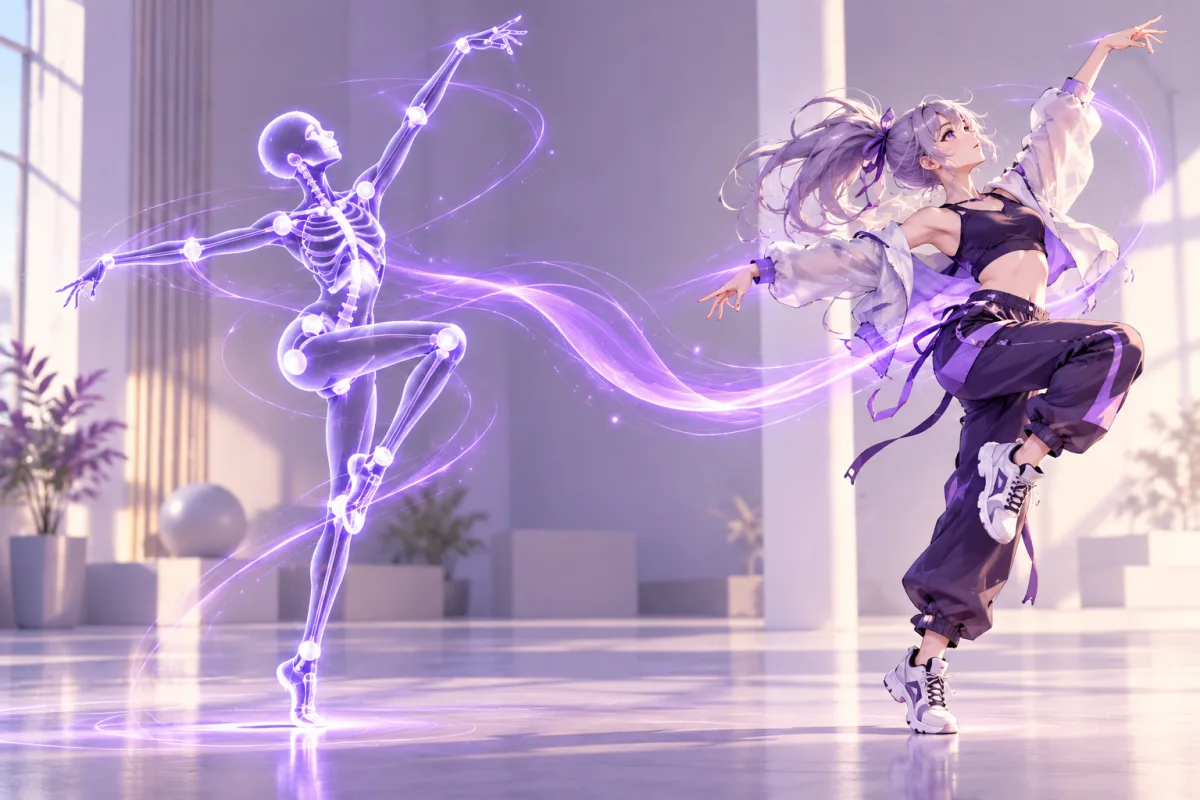
Kling Motion Control video generator
Kling Motion Control turns a still character image into a video by copying the movement of a reference clip. You supply two files, a character image and a motion video, and the model makes the character perform the same actions. It runs in your browser, so there is nothing to install.
Kling motion transfer from a reference video
The motion video decides what the character does: walking, dancing, gesturing or any other action you can film or find. The character image decides who performs it, including appearance, outfit and background. That makes Kling Motion Control a good fit for animating an original character, an anime illustration or a product mascot without hand-drawn animation.
Best motion references for character animation
Choose a motion clip with one clear subject, steady framing, visible body movement and even lighting. Quick cuts, heavy camera shake, objects hiding the body or several people in frame make the movement harder to read. Short references are also the cheapest way to test a gesture before you commit credits to a longer render.
Kling Motion Control orientation modes
Kling Motion Control offers two orientation modes. Follow the video keeps the character's facing direction consistent with the person in your motion clip and supports clips of up to 30 seconds. Follow the image keeps the character facing the way it does in your picture and supports clips of up to 10 seconds. Pick the mode that matches the shot you want.
Kling Motion Control 720p and 1080p output
Choose 720p for quick tests and 1080p when you want a sharper result. The output length matches your motion video, so a 6 second reference clip gives you a 6 second result. Add an optional text prompt of up to 2,500 characters if you want to describe the scene or style.
Kling Motion Control pricing per second
Kling Motion Control is billed per second of motion video: 46 credits per second at 720p and 61 credits per second at 1080p. A 10 second clip therefore costs 460 credits at 720p or 610 at 1080p. The Generate button shows the total before you start, based on the length of the video you upload.
What you can make with Kling Motion Control
People use motion control to animate original characters, make dance clips from a single illustration, test character performances for a story, and create short social videos. Because the movement comes from real footage, the result can look more natural than describing the same action in a text prompt.
Kling Motion Control settings at a glance
Here is the short version: the character image must be a JPG or PNG of up to 10MB, at least 300 pixels on its shorter side, with an aspect ratio between 2:5 and 5:2. The motion video must be an MP4 or MOV of up to 80MB and between 3 and 30 seconds long, or up to 10 seconds when the character follows the image. Resolution is 720p or 1080p. Credits for failed generations are returned automatically.
Kling Motion Control with the rest of the OC Maker studio
Kling Motion Control sits in the same workbench as the image and video models, so you can design a character with an image model, then bring it here as the character image. Credits are shared across all models, and the video unlocks with any credit pack or subscription.
How to use Kling Motion Control
- 1
Add a character image and a motion video
Upload a JPG or PNG character image, then upload an MP4 or MOV motion video of 3 to 30 seconds. The page checks the size, format and length for you before anything is submitted.
- 2
Choose orientation and resolution
Pick whether the character follows the video or the image, then choose 720p or 1080p. You can also add an optional prompt. The Generate button shows the total credits, which depend on the length of your motion video.
- 3
Generate, preview and download
Click Generate and wait a few minutes. The finished video appears below the controls, where you can play it and open it to download. If a generation fails, the credits are returned to your balance.