GPT Image 2.5 AI Image Generator
Describe your idea or add reference images, and generate with GPT Image 2.5.
0/16
Why use GPT Image 2.5
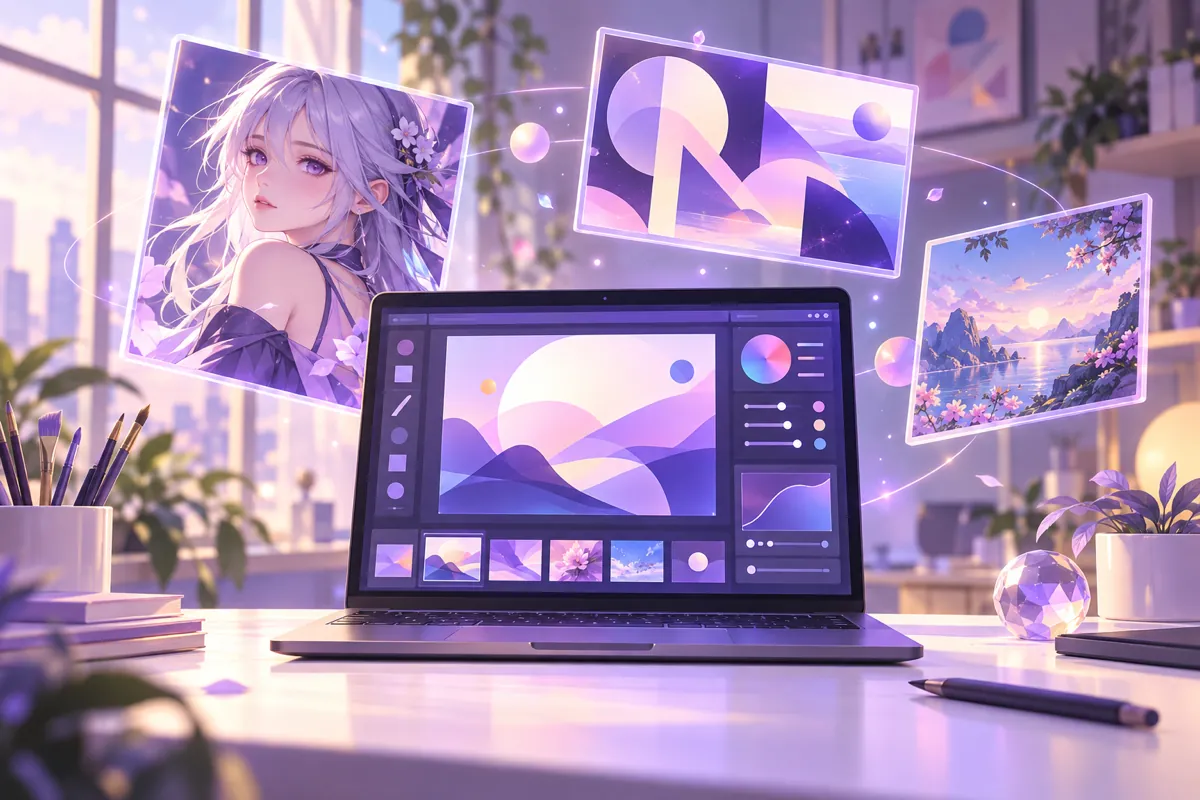
GPT Image 2.5 text to image generator
GPT Image 2.5 gives you one prompt box for both text to image and image to image. Describe the scene, the character or the layout and the GPT Image 2.5 AI image generator returns a finished picture you can download. Because it follows long, detailed prompts, you can specify subject, lighting, clothing and composition in a single request instead of fixing details afterwards.
GPT Image 2.5 image editor with 16 references
Upload up to 16 reference images and ask GPT Image 2.5 to edit or combine them. Swap a background, restyle a character, keep a product shape or merge several sources into one scene. Using references means you keep the parts of an image that already work and only describe what should change.
GPT Image 2.5 readable text in posters and covers
Text inside the image is a common failure point for image generators, and it is one of the main reasons to use GPT Image 2.5. Posters, covers, banners, labels and infographics benefit from clearer lettering, so a concept can arrive with its headline already placed instead of leaving blank space for a designer.
GPT Image 2.5 1K, 2K and 4K output
Choose 1K for fast drafts, 2K for everyday visuals and 4K when you need a large, detailed file. Together with nine aspect-ratio choices, including 21:9 and Auto, the same GPT Image 2.5 page covers social posts, wallpapers, thumbnails and print layouts.
GPT Image 2.5 for anime characters and OCs
Character creators can start from a written description or upload reference art, then iterate on outfits, poses, expressions and scenes with GPT Image 2.5. Keeping your reference images attached lets each new prompt build on the character you already designed.
What you can make with GPT Image 2.5
People use GPT Image 2.5 on OC Maker for posters with a headline, book and album covers, banners, infographics, character sheets and product visuals. Start from a text prompt when you have a clear picture in mind, or add reference images when you want to keep a subject, a layout or a colour palette from an existing file. Everything runs in your browser, and finished images can be downloaded straight away.
GPT Image 2.5 prices and limits at a glance
Here is the short version for GPT Image 2.5: it supports 1:1, 3:2, 2:3, 4:3, 3:4, 16:9, 9:16 and 21:9 plus Auto, accepts up to 16 reference images, and returns one image per generation. Costs are 7 credits per image at 1K, 23 at 2K and 36 at 4K, with no extra charge for reference images. Credits for failed generations are returned automatically.
GPT Image 2.5 with the rest of the OC Maker studio
GPT Image 2.5 sits next to the other image and video models in the OC Maker workbench, so you can compare results with the same prompt, switch models from the sidebar and keep working in one place. Credits are shared across models, and each page shows the price before you generate.
How to use GPT Image 2.5
- 1
Write a prompt or add references
Open the GPT Image 2.5 page, describe the image you want, and optionally add up to 16 reference images to edit or combine. References can be characters, products, backgrounds or style samples.
- 2
Choose ratio and resolution
Pick an aspect ratio from 1:1, 3:2, 2:3, 4:3, 3:4, 16:9, 9:16 or 21:9, or leave it on Auto, then select 1K, 2K or 4K. Start at 1K to test the prompt and raise the resolution once the composition works.
- 3
Generate and download
Click Generate and GPT Image 2.5 returns one image. Download it, or refine it with a new prompt and references. If a run fails, the credits are refunded to your balance automatically.