AI Clothes Changer
Upload a person and a garment photo to try on the outfit and compare it with your original.
1. Person photo
2. Garment photo
Or try a sample garment
Best with anime or illustrated characters.
JPEG, PNG or WEBP up to 10MB each. A full-body or half-body photo works best.
Why use AI Clothes Changer
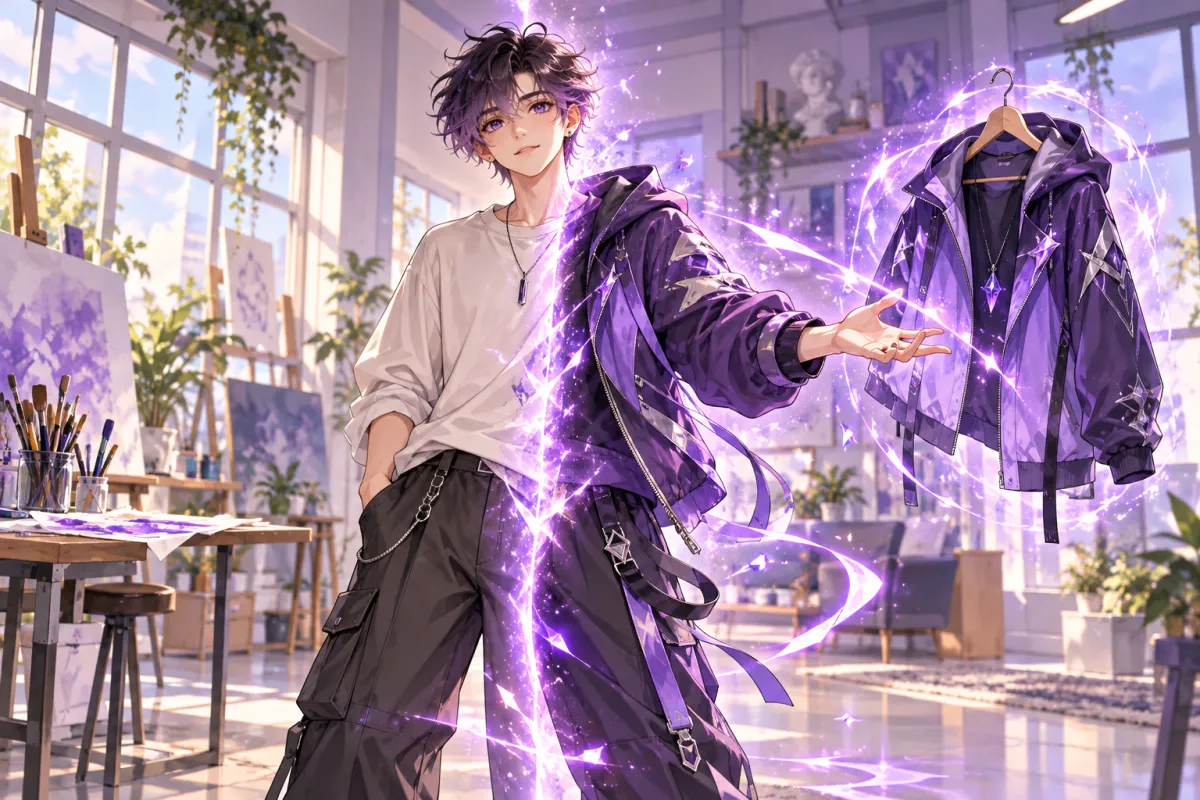
AI clothes changer: try an outfit on any photo
The AI clothes changer puts a garment from one photo onto the person in another. Upload a photo of the person, upload a photo of the clothing, and run it. The result appears beside your original, so you can see how the outfit looks before you buy it, post it or use it in a design. There is no fitting room, no app and no editing skills involved.
Two uploads, one click
The workflow is deliberately short: a person photo and a garment photo. A flat lay, a mannequin shot or a picture of someone wearing the item all work as the garment image. You can add an optional note, such as "tuck the shirt in" or "keep the original shoes", to guide the result. No masks, layers or manual cutouts are needed.
Compare before and after with a slider
Each run is shown against your original. Drag the slider to check how the new outfit sits on the body, how the colours look and whether the face, hair and background stayed in place. If you are not happy, try a clearer garment photo or a different note and run it again.
Useful for shopping, styling and creators
Shoppers can preview a jacket or dress on their own photo. Sellers and stylists can show a garment on a model picture without a new photo shoot. Creators and cosplayers can test a look before making it, and artists can dress an original character in a reference outfit. The AI clothes changer is a visual preview, not a size or fit guarantee.
Flat 5-credit price
Each run costs 5 credits, with no resolution tiers or extras to add up. The AI clothes changer is not locked behind a paid plan, so the free credits you receive at sign-up work with it. If a run fails, the credits for it are returned automatically.
Runs in your browser
Open the page, sign in, upload two JPEG, PNG or WEBP files up to 10MB each and wait for the result. The processing happens on our servers, so there is nothing to install and it works the same on a laptop, a tablet or a phone browser.
Tips for a better try-on
Use a clear photo of the person with the body area to be changed visible and not heavily blurred or hidden. For the garment, a clean image of a single item on a plain background gives the model the clearest view of the colour, pattern and shape. Avoid uploading a photo with several different garments at once.
How to use AI Clothes Changer
- 1
Upload the person photo
Add a clear photo of the person whose outfit you want to change. Use a JPEG, PNG or WEBP image up to 10MB.
- 2
Upload the garment photo
Add a photo of the clothing you want to try on. A flat lay, a mannequin shot or a photo of the item being worn all work. Add a short note if you want to guide the result.
- 3
Click Change Outfit
The AI clothes changer processes both images for 5 credits. Drag the slider to compare the original with the new outfit, then open the result.