Grok Imagine Image 2.0 AI Image Generator
Text to image and reference-based editing with Grok Imagine Image 2.0.
0/5
Why use Grok Imagine Image 2.0
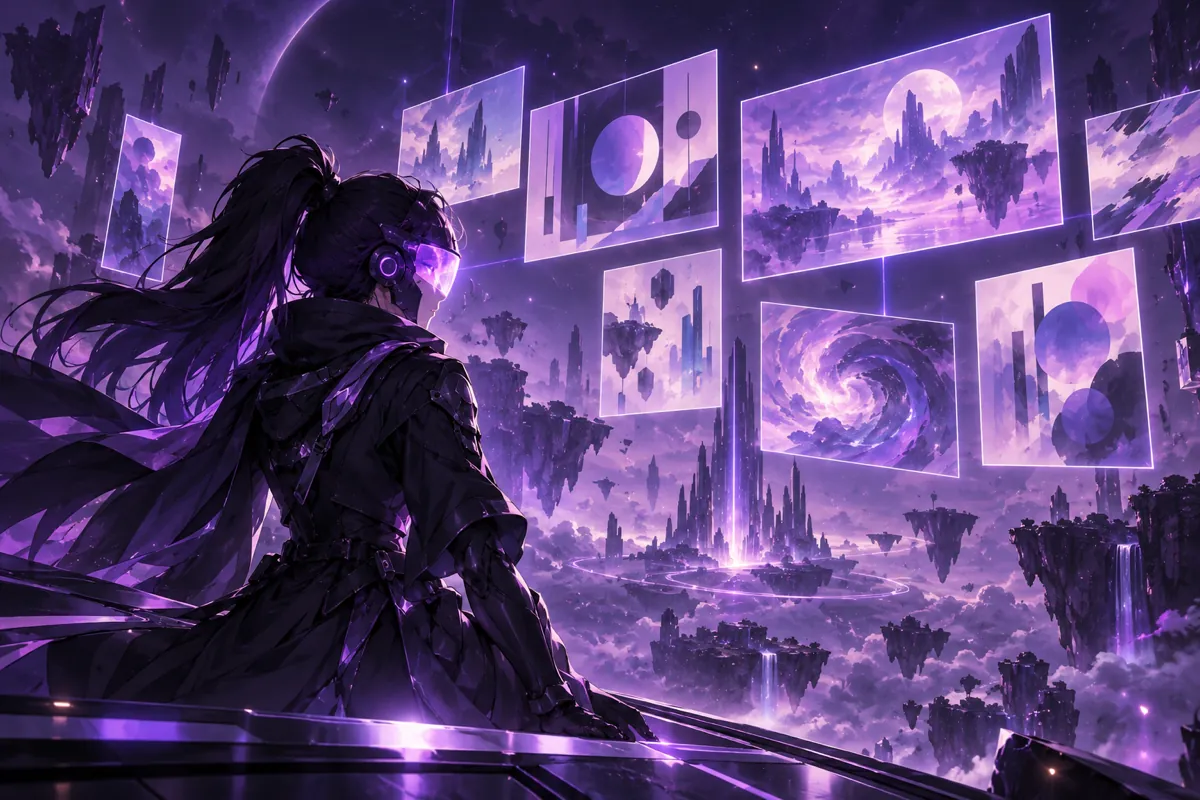
Grok Imagine Image 2.0 AI image generator online
Open OC Maker in your browser and use Grok Imagine Image 2.0 without installing anything. Text to image and image to image live in one prompt box, so you can move from a rough idea to a generated image without switching tools.
Grok Imagine Image 2.0 complex prompts and typography
Describe layered scenes, layout details and the exact words you want in the picture. Grok Imagine Image 2.0 is known for following multi-part prompts and typography-heavy layouts, which helps for posters, title cards and social graphics.
Grok Imagine Image 2.0 reference image editing
Upload up to five reference images in JPEG, PNG or WEBP and ask Grok Imagine Image 2.0 to edit, combine or restyle them. References keep your source material in the loop, so you iterate on the parts that matter.
Grok Imagine Image 2.0 flat pricing at 9 credits
Every Grok Imagine Image 2.0 generation costs 9 credits, with no resolution tiers or reference surcharges to decode. Failed generations are refunded automatically, which keeps experiments predictable.
Grok Imagine Image 2.0 aspect ratios
Choose from 1:1, 2:3, 3:2, 16:9 and 9:16 to generate square posts, vertical stories, wide banners or portrait edits from the same page, with Auto available once reference images are added.
What you can make with Grok Imagine Image 2.0
People use Grok Imagine Image 2.0 on OC Maker for posters, title cards, social graphics and character art. Start from a text prompt when you have a clear picture in mind, or add reference images when you want to keep a subject, a layout or a colour palette from an existing file. Everything runs in your browser, and finished images can be downloaded straight away.
Grok Imagine Image 2.0 prices and limits at a glance
Here is the short version for Grok Imagine Image 2.0: it supports 1:1, 2:3, 3:2, 16:9 and 9:16 plus Auto, accepts up to 5 reference images, and returns one image per generation. Costs are 9 credits per image at one flat price, with no extra charge for reference images. Credits for failed generations are returned automatically.
Grok Imagine Image 2.0 with the rest of the OC Maker studio
Grok Imagine Image 2.0 sits next to the other image and video models in the OC Maker workbench, so you can compare results with the same prompt, switch models from the sidebar and keep working in one place. Credits are shared across models, and each page shows the price before you generate.
How to use Grok Imagine Image 2.0
- 1
Write a prompt or add references
Open the Grok Imagine Image 2.0 page, describe the image you want, and optionally add up to 5 reference images to edit or combine. Add references only when you want to edit or restyle an existing image.
- 2
Choose ratio and resolution
Pick one of 1:1, 2:3, 3:2, 16:9 or 9:16. Auto appears when references are attached. The price stays at 9 credits.
- 3
Generate and download
Click Generate and Grok Imagine Image 2.0 returns one image. Download it, or refine it with a new prompt and references. If a run fails, the credits are refunded to your balance automatically.