Describe your OC
Start with a simple idea or write the details that matter most, such as species, hair, eyes, clothing, personality, powers, or signature accessories.
Original character studio
Create original characters from anything you imagine. Human, anthro, creature, robot, or something completely unique.
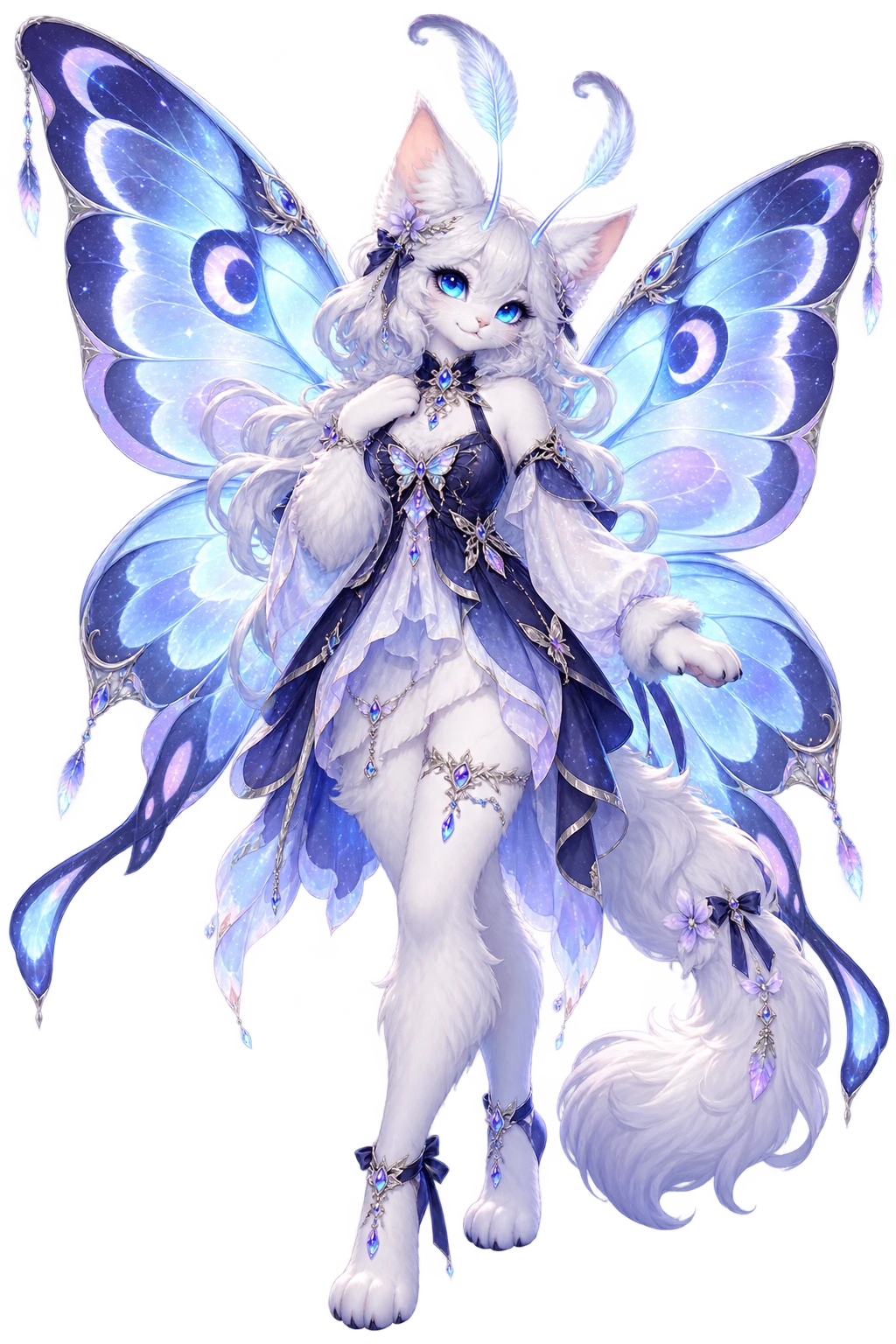
AI original character creator
OC Creator is an AI character creator for turning a short description into a polished original character. Describe what you imagine, choose a character type and visual style, then generate a full-body design you can use as a starting point for stories, games, roleplay, comics, and personal projects.
Start with a simple idea or write the details that matter most, such as species, hair, eyes, clothing, personality, powers, or signature accessories.
Use Character Type to guide the structure of your design. Choose Human, Anthro, Creature, Robot, Other, or let Auto infer the best fit.
Select Anime, Semi-realistic, Cartoon, Painterly, or another style preset. Style changes the visual treatment without changing your character identity.
Generate a full-body OC preview, review the result, and download the finished character image for your next creative project.
Why use OC Creator
A good OC creator should help you keep the parts of a character that matter. OC Maker separates character structure from visual style, so you can explore different looks without losing the species, identity, or design anchors in your original concept.
Create human characters, furry and anthro OCs, fantasy creatures, robots, hybrids, and original forms that do not fit a standard category.
Describe the silhouette, pose, outfit, accessories, expression, and scene you want. OC Creator turns those details into a coherent full-body design.
Use visual presets as a starting point for anime, semi-realistic, cartoon, painterly, and other looks while keeping the character concept in control.
Start with the details that define the character, then add the visual direction around them. You do not need complicated prompt syntax. A clear subject, a few identity anchors, and a specific scene are enough to guide the first result.
Build with intention
An AI OC Creator is most useful when it develops your idea instead of replacing it. OC Creator gives you room to describe the details that make a character yours, then adds composition, lighting, and visual coherence around those details. Start with the non-negotiable traits and let the surrounding design stay flexible.
Mention the species, hair, eyes, body traits, signature accessory, and any story-critical feature first. These anchors help the generated OC stay connected to the character you imagined.
Clothing, materials, colors, expression, pose, and accessories turn a broad idea into a readable silhouette. A few intentional choices usually work better than a long list of unrelated details.
Try a different style preset or a new setting while keeping the same core description. This makes OC Creator useful for comparing visual directions for a story, game, comic, or roleplay character.
Character ideas
OC Creator is flexible enough for a quick avatar idea and detailed enough to support a character reference. You can begin with a few words, then add the traits that explain how the character looks, moves, and belongs in a world. The best results do not need an enormous prompt; they need a focused concept with a clear visual priority.
Build an anime OC with a clear silhouette, expressive eyes, a memorable hairstyle, and an outfit that supports the character's role. Use the visual style preset to explore a new look without losing the original concept.
Describe wings, horns, fur, scales, unusual anatomy, magical powers, or a hybrid species. A strong creature prompt can combine recognizable animal traits with clothing, props, and a setting that reveals its personality.
Create an anthro character, mascot, android, or service robot by explaining body structure, materials, colors, tools, and movement. These details help the generated design communicate what makes the character different.
Turn a character outline into a visual reference for a novel, comic, game, campaign, or roleplay setting. Include a signature prop, profession, mood, or environment when you want the image to suggest a larger story.
Refine the direction
The first image is a starting point, not a final verdict on your character. Use the preview to decide what already works and what needs a clearer instruction. OC Creator is especially helpful when you treat the process as visual iteration: protect the identity, adjust one group of details, and compare the next result with the original idea.
Before worrying about tiny details, look at the full-body shape, pose, and proportions. The silhouette should make the species, clothing, and main accessories easy to recognize at a glance.
If the identity feels right but the mood is not, adjust the style, lighting, setting, or color relationships. Treat these choices as a visual direction layer rather than changing the character's core traits.
When the preview matches your idea, download the generated image and keep the original description with it. Saving both makes it easier to recreate the direction later or develop the character into a larger project.
FAQ
An AI OC Creator turns a written character idea into an original character image. OC Maker is designed for human, anthro, creature, robot, and other original character concepts.
Yes. OC Maker provides a shared anonymous trial so you can try the creator without signing in. After the shared trial is used, sign in to continue with your personal credits.
You can create human, anthro or furry, creature, robot, hybrid, and other original characters. The Character Type selector guides the design without replacing the details in your prompt.
Yes. Choose the Anime style preset or describe the visual language you want in your prompt. You can also explore semi-realistic, cartoon, painterly, and other visual directions.
Begin with the character identity, then add appearance, clothing, accessories, pose, expression, setting, lighting, and mood. A focused OC Creator prompt gives the AI enough direction to preserve the character you imagine without making the description difficult to edit.
Yes. After your character is generated, you can download the result image from the OC Creator preview area. Generated results are stored for the task so they remain available through the page workflow.